Markers
Markers can help you determine if the waveform that is produced is correct. We have provided three markers each with different
characteristics.
The marker settings are in the Waveform tab just below the Data Length box.
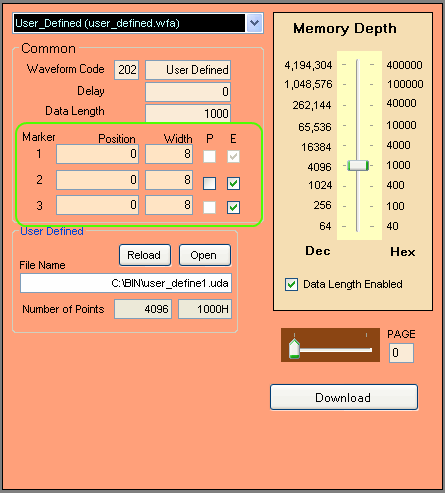
The Position box specifies the data point where you would like to start the marker. The Width specifies how many data points
you would like the marker to be active. The "P" checkbox is only available for Marker 2 and specifies whether you would like
active low markers. The "E" checkbox is only available for Marker 2 and Marker 3 and is used for enabling or disabling those
markers.
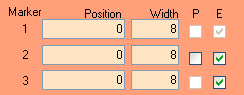
Marker 1 is 1.8 V level while Marker 2 and Marker 3 are both 3.3 V level but Marker 1 has less delay then either Marker 2 or
Marker 3.