Example 1 : Absolute Sine Wave
This example will show you how to create an absolute frequency sine wave with the AWG TRX. Sine waves are a good way to test the RF performance of the AWG TRX. You should have already set up all the hardware, software, clock, and power connections, and you should have launched the TRX_AWG_WIN.exe application, as described briefly in the Getting Started page.
Click on the Waveform tab. In that panel, make sure that the Waveform Code is set to "1". This is the code for absolute frequency sine waves.
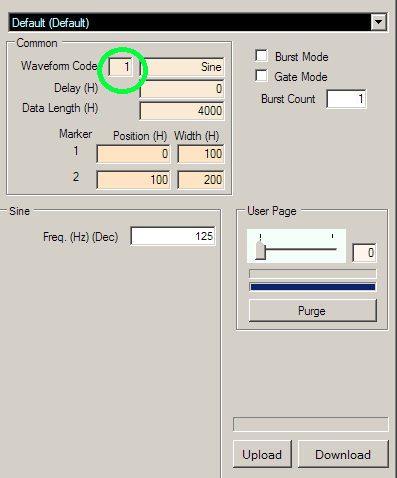
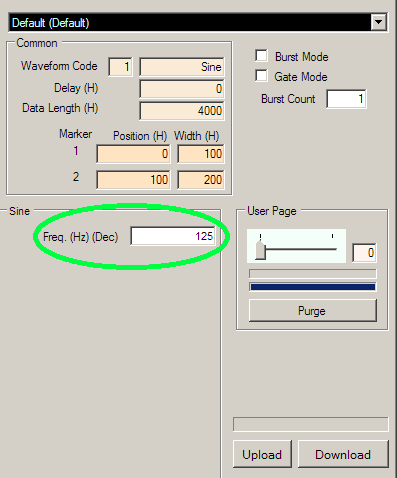
You should see that the Waveform Type box will say "Sine". In the Freq text box, enter the desired output frequency in hertz (Hz). For example, if you would like a 250 MHz sine wave you would enter "250000000".
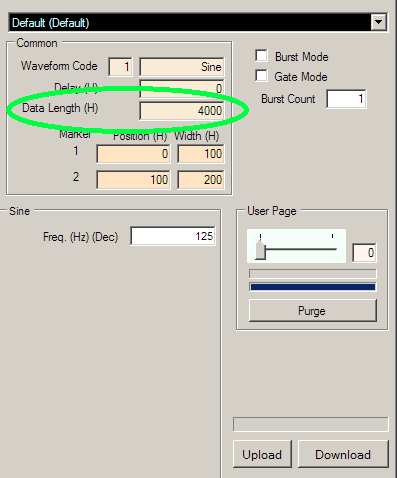
You can also change the number of points that the waveform will have per cycle. To do this, change the Data Length to the number of points you want. Please note that the Data Length is specified in hexadecimal, and it should be a multiple of 20 (hex). For more information on Data Length, please see the Data Length page.
Amplitude Variable Control
You may adjust the output amplitude gain by sliding the AVCA and AVCB trackbars located under DAC control, corresponding to Channel A and Channel B, respectively. Increasing an AVC value by raising its trackbar will increase the minimum voltage on the corresponding output channel, resulting in a decreased peak-to-peak amplitude.
Download
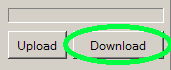
Press the Download button (at the lower right corner of the waveform panel). You must press the Download button each time you finish changing the parameters.
Press the Play button as needed to play the waveform.