Advanced Options -
Reset VIN
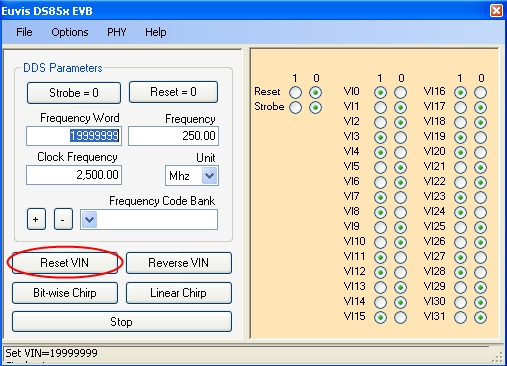
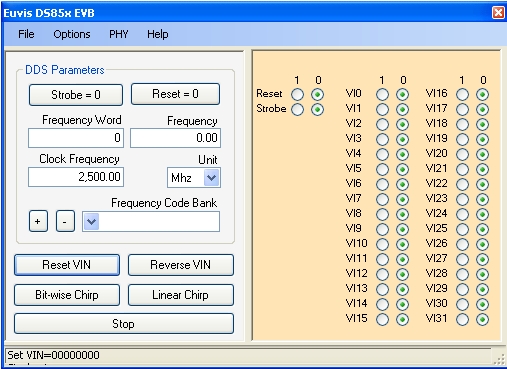
» Reset VIN changes all individual bits to "0".
Reverse VIN
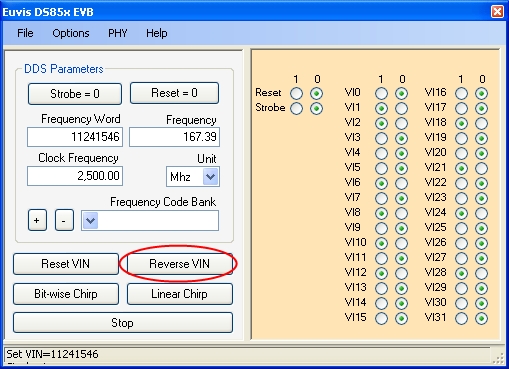
» Reverses all individual bits. If a bit was "0" then it will turn into "1" and
if a bit was "1" then it will turn into "0".
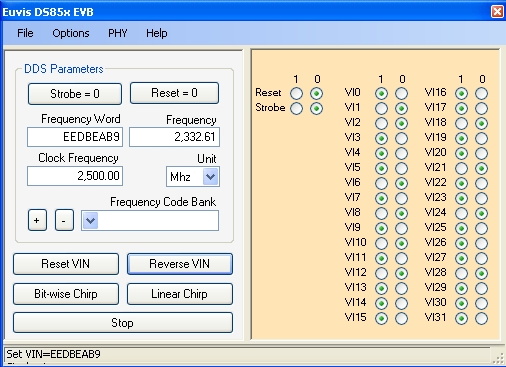
NOTE: Reversing the individual bits has no real effect on the real output
frequency. Recall that the real output frequency of any frequency entered above half of the
input frequency will actually be: Input Clock Frequency - User Defined Frequency. Instead of
actually computing this, you can use the Reverse VIN button to get the real output frequency
if you entered a frequency that is more than half the input clock frequency.
Bit-Wise Chirp
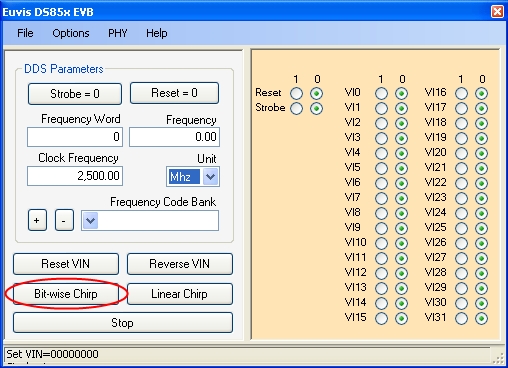
» Clicking on this button will initiate chirping by flipping on and off each of the 32 bits
in the frequency word. Chirping will start with the least significant bit "VI0" and proceed
all the way to the most significant bit "VI31".
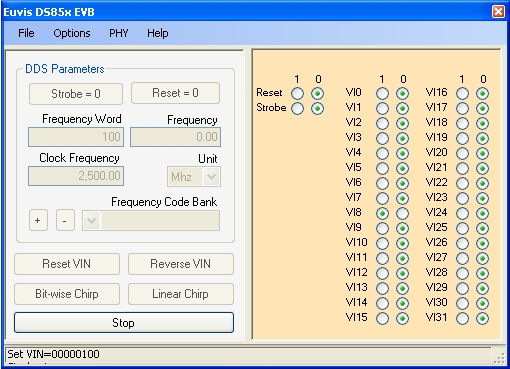
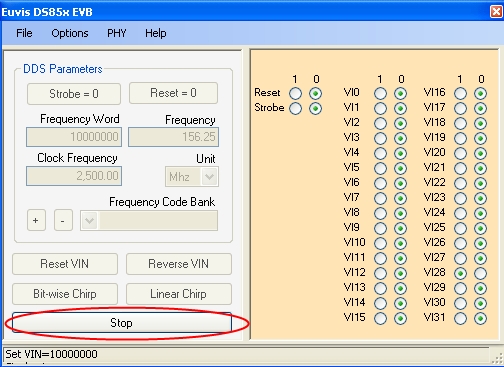
» You may stop the bitwise chirp at any time by clicking on Stop. After bitwise
chirp stops, either by completing all the bits or by user intervention, the DDS parameters return
to the frequency before the chirp was started.
Linear Chirp
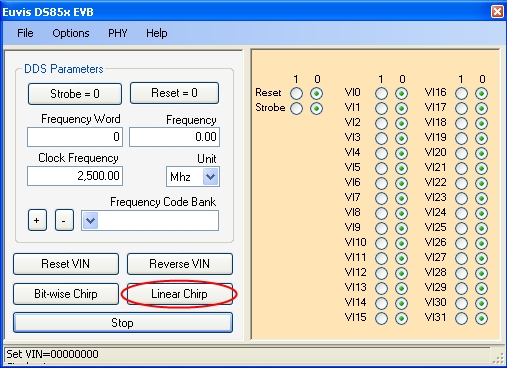
» Clicking on this will initiate linear chirping. You may change linear chirping options by going to
Preferences in the Options menu.
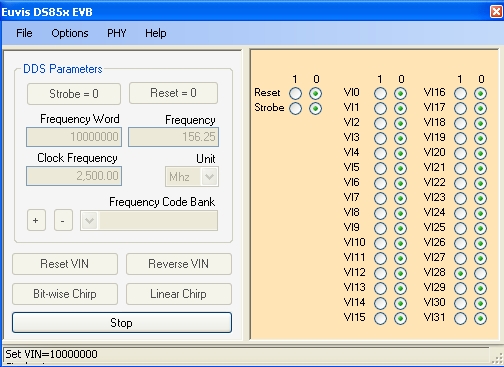
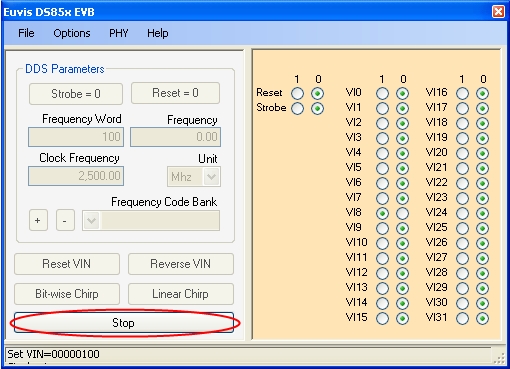
» You may stop either chirps at any time by clicking on Stop. After bitwise
chirp stops, the DDS Parameters return to the frequency before the chirp was started.