Firmware -
» Since the EV board does not come with its own ROM, after the initial firmware installation the firmware will need to be reinstalled if the USB cable is disconnected or if the computer is restarted. Once the firmware is installed, you may close the program and reopen it as many times as you want without reinstalling the firmware provided that you do not disconnect the USB cable or restart the computer.
» On the desktop, double click the application DDS_EV.

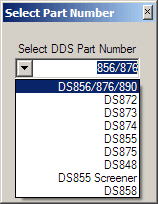
» Select the DDS chip that came with your board in the drop down list.
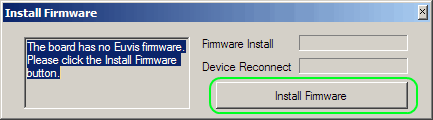
» The Install Firmware window will pop up. Click on Install Firmware.
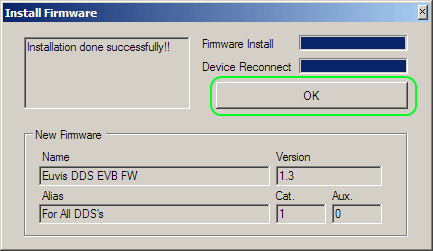
» The installer will copy the firmware onto the board's memory. Wait until both progress
bars are 100%. Click on OK when installation is complete.
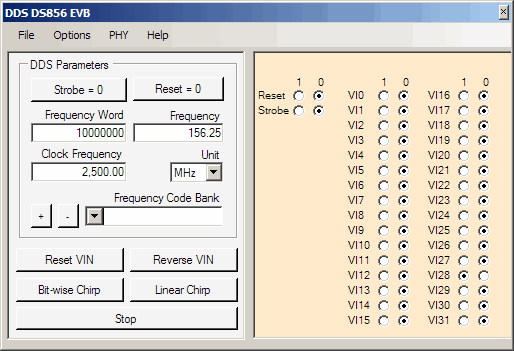
» The DDS EVB GUI application window should now open.