Multiple Waveforms with Paging -
The GUI application can demonstrate what can be done with the paging option. First make sure that the AWG hardware is configured to the paging option that you desire. You can see how to do this on the Hardware Paging page in the Setup section. You will also need to make sure that the software is set to the correct paging option. You can do this in the Paging section in the Status and Configuration window.
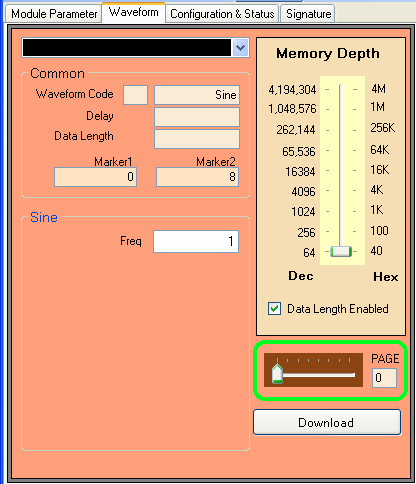
Go to the Waveform window. Underneath the Memory Depth section, you'll see the Paging section, which has a slider where you can choose the different pages.
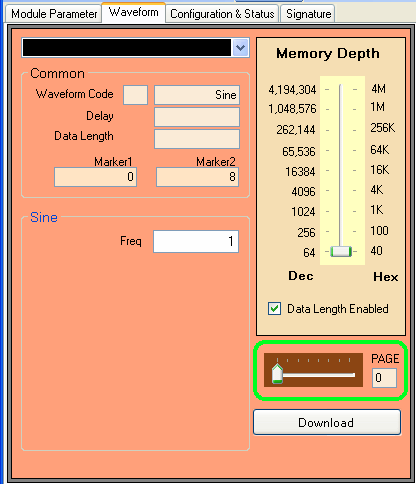
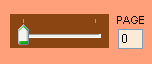
If you have set the paging to 1, you will not be able to move the slider.
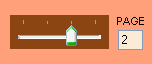
If you have set the paging to 2, you can move the slider to either Page 0 or Page 1.

If you have set the paging to 4, you can move the slider to Page 0, Page 1, Page 2, or Page 3.
If you have set the paging to 8, you can move the slider to any one of Pages 0 to 7.
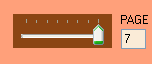
Each page can load a separate waveform but the more pages you have, the fewer memory addresses you have available for each waveform -- meaning the maximum data length of each waveform is shorter. Please refer to the Hardware Paging page to see how many memory addresses are available for each configuration.
Example
For this example, we will be using the 8-page paging option to take advantage of all eight pages so that we can have 8 different waveforms.
» Slide the slider to go to Page 0.
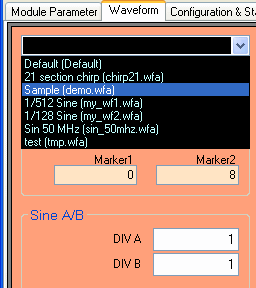
» Either load a normal waveform or create a waveform using the waveform parameters. For this example we will load a previously saved waveform.
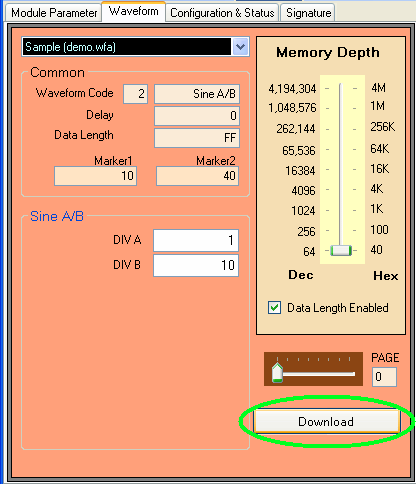
» If you don't have Auto-Download enabled, click on the Download Waveform button. The waveform file will be downloaded to the AWG and you should see it in your oscilloscope or spectrum analyzer if you them connected.
» Now repeat the above two steps with the other pages by sliding the slider to the corresponding pages and downloading different waveforms for each page. After you have done this, you will have eight different waveforms on the AWG. You can easily switch between waveforms by using the slider. Once you move the slider, the output waveforms will change immediately.
The GUI is just a demonstration of the paging option. To take full advantage of this, you would have to write your own application with our API so that you can switch around the eight different waveforms for a unique waveform. The minimum switching time is under 10 microseconds.